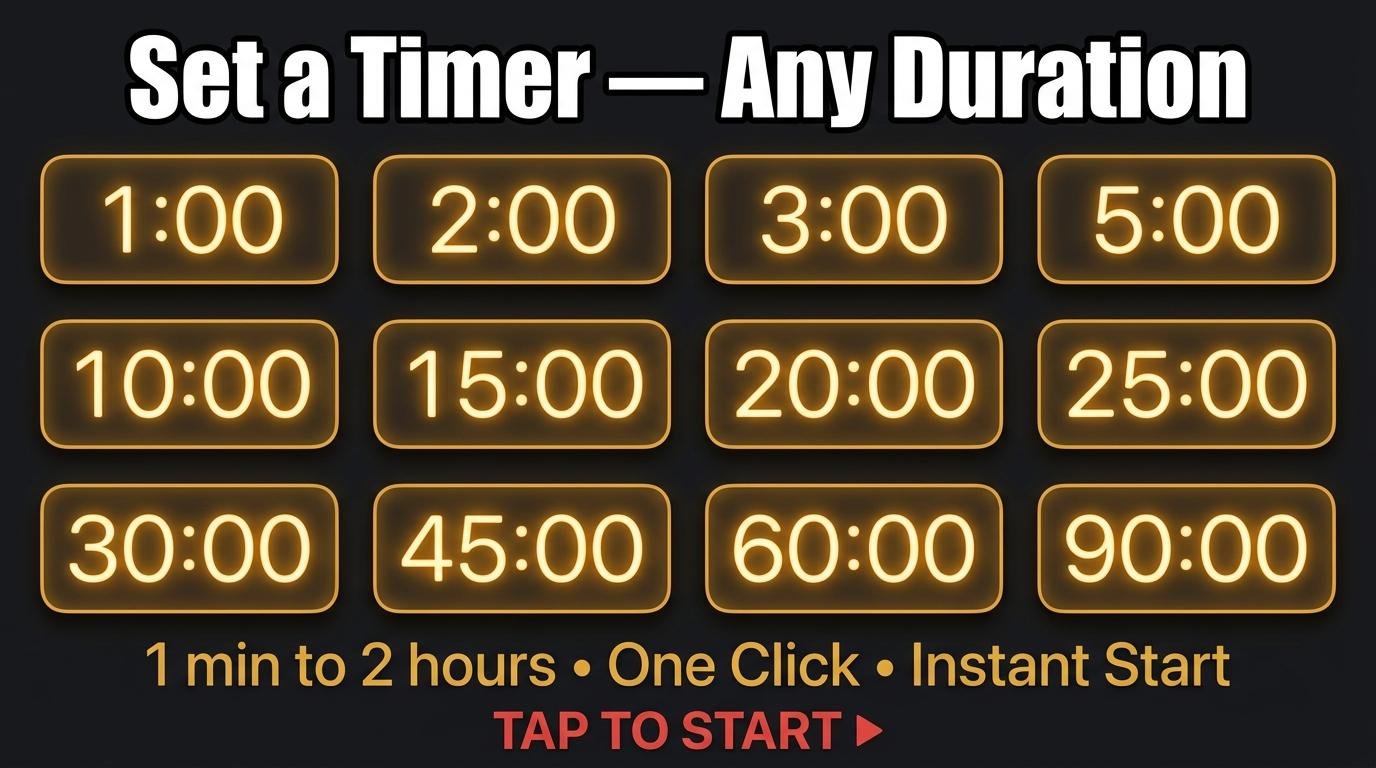
Whether you are timing a soft-boiled egg, a workout rest period, a meeting segment, or a quick power nap, the fastest way to set a timer is a single click. This page gives you instant access to every common timer duration alongside the best use case for each one. Every link below opens ScreenTimer’s countdown timer preset to that exact duration, ready to start immediately.
Quick Timer Links: Click and Start
Set a 1-minute timer — ideal for brushing teeth segments, plank holds, quick breathing exercises, or the “one more minute” promise to yourself before getting out of bed.
Set a 2-minute timer — the standard recommended brushing time for each half of your mouth, a quick micro-meditation, or the time it takes for instant noodles to soften.
Set a 3-minute timer — perfect for steeping green tea (which becomes bitter if over-steeped), a quick classroom transition, or timed free-writing exercises where you write without stopping for three minutes.
Set a 5-minute timer — the classic Pomodoro break duration, a quick tidy-up challenge (how much can you clean in 5 minutes?), or a focused brainstorming sprint. Five minutes is also the ideal length for a cold shower if you are building cold exposure tolerance.
Set a 7-minute timer — the duration of the scientifically-backed 7-minute workout that cycles through 12 bodyweight exercises at 30 seconds each. Also perfect for French press coffee steeping.
Set a 10-minute timer — a popular meditation length for beginners, the time needed for hard-boiled eggs from boiling water, or a focused email processing block where you reply to as many messages as possible.
Set a 15-minute timer — the ideal classroom silent work session length, a power nap that refreshes without causing sleep inertia, or the time it takes to properly warm up before intense exercise.
Set a 20-minute timer — the minimum effective meditation duration according to Harvard research, or a focused task block for people who find 25-minute Pomodoro sessions slightly too long.
Set a 25-minute timer — the classic Pomodoro focus session. This is the single most popular timer preset in the world, used by millions of students and professionals daily for structured productivity.
Set a 30-minute timer — a standard meeting length that forces concise discussion, a lunch break timer to prevent work from eating into your personal time, or the duration of most beginner yoga routines.
Set a 45-minute timer — the optimal study session length based on cognitive science research on sustained attention, a standard therapy session duration, or a focused deep-work block.
Set a 60-minute timer — one full hour for extended deep work, a standard class period, or a long run where you want to track duration without checking your phone.
Set a 90-minute timer — aligned with your body’s natural ultradian rhythm cycles, this is the optimal duration for deep creative or analytical work. Also the standard length of a feature film.
Set a 120-minute timer — a two-hour exam simulation block, a long cooking project like slow-braised meat, or a focused project sprint with no meetings or interruptions.
Tips for Getting the Most from Timed Sessions
Enable the “show time in browser tab” option in ScreenTimer’s Preferences so you can see the countdown without switching tabs. Turn on the last-10-second tick sounds for an audio warning before the alarm fires. Choose from fifteen different alarm sounds to match the context: a gentle chime for meditation, a classic bell for cooking, or an urgent alarm for timed tests.
For recurring activities, bookmark your most-used timer preset. Save screentimer.net/?min=25 as “Pomodoro” in your browser favorites bar for one-click access to your daily focus tool. The full countdown timer lets you set any custom duration, while the Pomodoro timer automates the entire focus-and-break cycle.

Leave a Reply