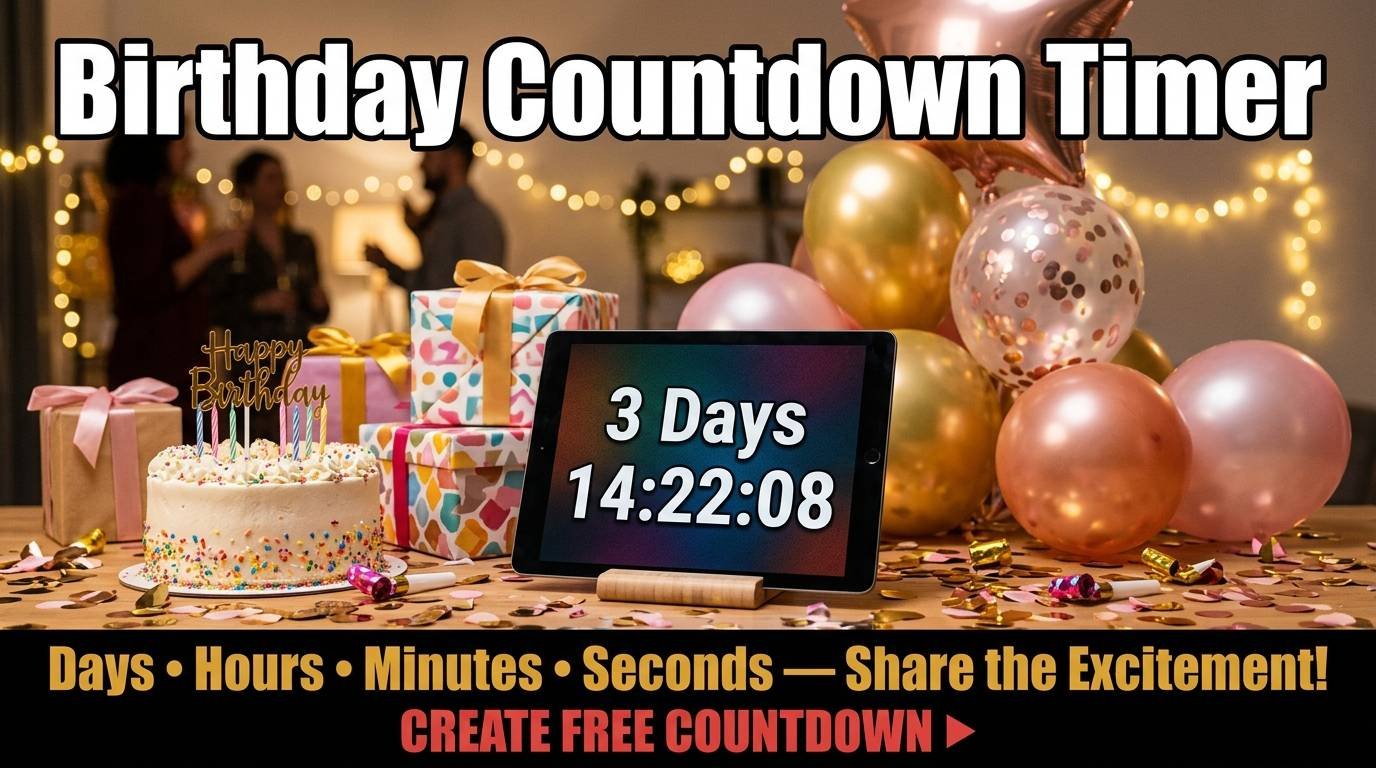
There is something genuinely exciting about watching the days, hours, minutes, and seconds tick down toward a birthday. Whether it is your own birthday, your child’s, your partner’s, or a friend’s, a visual countdown transforms the anticipation from an abstract “it’s coming up” into a concrete, ticking-down display that makes the approaching celebration feel real and imminent.
How to Set Up a Birthday Countdown
ScreenTimer’s Event Countdown Timer creates a fullscreen birthday countdown in three steps. Open the Event Countdown tab, type a name like “Emma’s 5th Birthday” or “Mom’s 60th,” select the birthday date from the calendar, and tap Start Countdown. The display instantly shows four large digit groups counting down in real time: days, hours, minutes, and seconds until the birthday arrives.
When the countdown reaches zero on the birthday itself, the screen erupts in colorful confetti, a celebration sound plays, and the display changes to show the event name with a celebration announcement. This makes it a fun reveal for the birthday person if you have the countdown displayed on a screen they can see.
Share Your Birthday Countdown
Every countdown you create generates a shareable link. Tap the Copy Link button to copy a URL that anyone can open to see the same countdown in their browser. Send it to family members, post it in a group chat, or share it on social media. Everyone who opens the link sees the same ticking countdown with the event name you created.
Try creating a countdown to your own next birthday right now. The countdown saves automatically in your browser, so every time you visit ScreenTimer, your birthday countdown is waiting with the latest time remaining. You can save up to 20 active countdowns simultaneously, which means you can track birthdays for your entire family on one screen.
Birthday Countdown Ideas
For children, a birthday countdown builds excitement in a healthy, structured way. Display the countdown on a tablet or spare phone in the kitchen starting one month before the birthday. Young children love watching the day counter decrease and learning to read the numbers as part of the experience. It also provides a concrete answer to the daily question of “how many more days until my birthday?”
For milestone birthdays like turning 18, 21, 30, 40, 50, or retirement age, a countdown displayed at a pre-party gathering adds a dramatic element. Set up a laptop or tablet connected to a larger screen and let the countdown tick down during the celebration. When it hits zero, the confetti animation provides an automatic celebration moment.
For surprise party planning, share the countdown link with co-conspirators so everyone can see exactly how many days remain to finalize preparations. The shared countdown keeps the planning group synchronized without revealing the surprise to the birthday person.
For long-distance family, sharing a birthday countdown link is a simple way to show someone you are thinking about their special day even when you cannot be there in person. The link works on any device with a browser, so grandparents, overseas family members, and friends in different time zones can all see the same ticking countdown.
More Event Countdowns
While birthdays are the most popular use, the same countdown tool works for any future date. Popular countdowns include Christmas 2026, New Year 2027, Halloween 2026, wedding days, graduation dates, vacation departures, due dates, product launches, and retirement dates.
ScreenTimer’s countdown tool includes preset buttons for the most popular upcoming holidays, so you can start a holiday countdown with a single tap. For custom events, simply type any name and pick any future date. The countdown supports both date-only events (midnight of the target date) and specific times, so you can count down to the exact moment of a wedding ceremony, a midnight New Year’s celebration, or a flight departure.
Create your first birthday countdown now. It is free, requires no account, and runs entirely in your browser. The anticipation starts the moment you press Start.

Leave a Reply