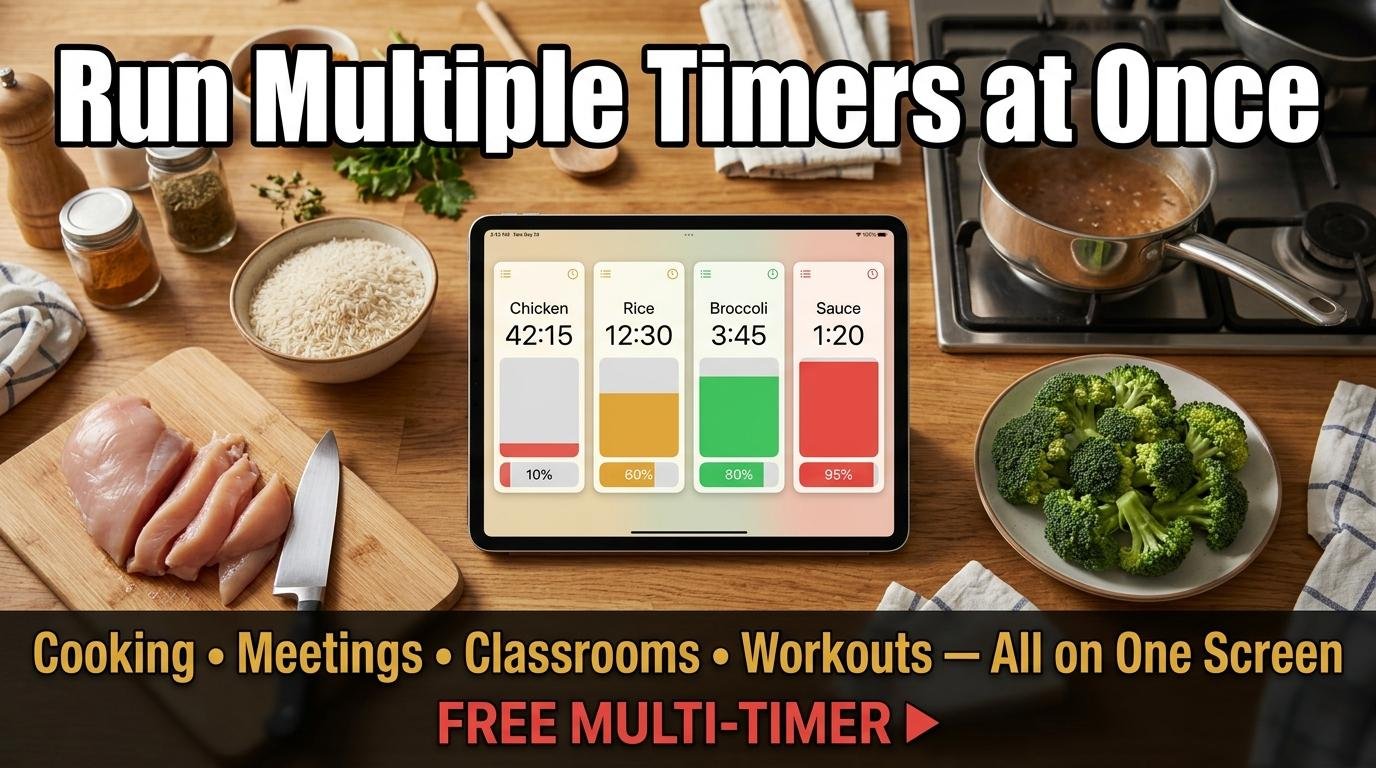
Most online timers let you run one countdown at a time. That works fine when you are boiling a single pot of pasta, but real life is rarely that simple. Cooking a multi-course dinner, managing a meeting agenda with timed segments, running a classroom with rotation stations, or timing a circuit workout all require multiple timers running simultaneously and independently. Running multiple timers online on one screen solves this problem without juggling separate tabs, devices, or apps.
How to Run Multiple Timers Online
ScreenTimer’s Multi Timer lets you create unlimited parallel countdowns on a single page. Tap “Add Timer” to create a new countdown. Give it a name by clicking the label field at the top of each timer card. Select a preset duration (1, 3, 5, 10, 15, or 30 minutes) or set a custom time. Press Start. The timer begins counting down independently of every other timer on the page.
Each timer operates on its own: starting, pausing, or resetting one timer has no effect on the others. When a timer reaches zero, it plays your selected alarm sound and its card highlights in red, so you know immediately which countdown has finished even if you are not watching the screen. A progress bar at the bottom of each card shows remaining time at a glance.
Practical Uses for Multiple Timers Online
Cooking
The most popular use for running multiple timers online is cooking complex meals where different components finish at different times. Set one timer for the roast chicken (75 minutes), another for roasted vegetables (30 minutes), a third for rice (18 minutes), and a fourth for the pan sauce (5 minutes, started during the resting period). Name each timer after its dish so you know exactly what needs attention when each alarm fires.
Meeting Agenda Management
For meetings with multiple timed agenda items, create a timer for each topic. Start the first timer when the meeting begins, then start subsequent timers as you move to each topic. The visual countdown keeps discussions on track without a facilitator constantly checking the clock. When a topic’s timer reaches zero, the group knows it is time to move on.
Classroom Rotation Stations
Teachers running rotation-based classroom activities need each station to have its own timer. Create a timer for each station (typically 10 to 15 minutes each) and start them sequentially as groups rotate. The large visual display on a projected screen keeps students aware of how much time remains at their current station.
Circuit Training
For gym workouts with multiple exercises at different durations, set a timer for each station. Start all timers simultaneously at the beginning of the circuit. As each exercise’s timer expires, it signals the transition to the next station. For simpler work/rest alternation, the interval timer with Tabata and HIIT presets is more efficient.
Tips for Managing Multiple Timers
Name every timer descriptively. “Timer 1” and “Timer 2” become confusing when you have four or more running. “Chicken,” “Rice,” “Vegetables,” and “Sauce” are immediately clear. Choose different alarm sounds in Preferences to distinguish which timer finished by ear alone. Use the fullscreen mode for kitchen or classroom settings where the display needs to be readable from a distance.
The Multi Timer works on any device with a browser: phones, tablets, laptops, and desktops. For kitchen use, prop a tablet or phone against the backsplash. For classrooms, project from a laptop to the interactive whiteboard. For meetings, share your screen via video conferencing so remote participants can also see the timers.
All timers run in a single browser tab, so you do not need to manage multiple tabs or windows. Combined with ScreenTimer’s other tools, the clock, stopwatch, alarm, and Pomodoro timer, you have a complete suite of timing tools available from one URL.

Leave a Reply