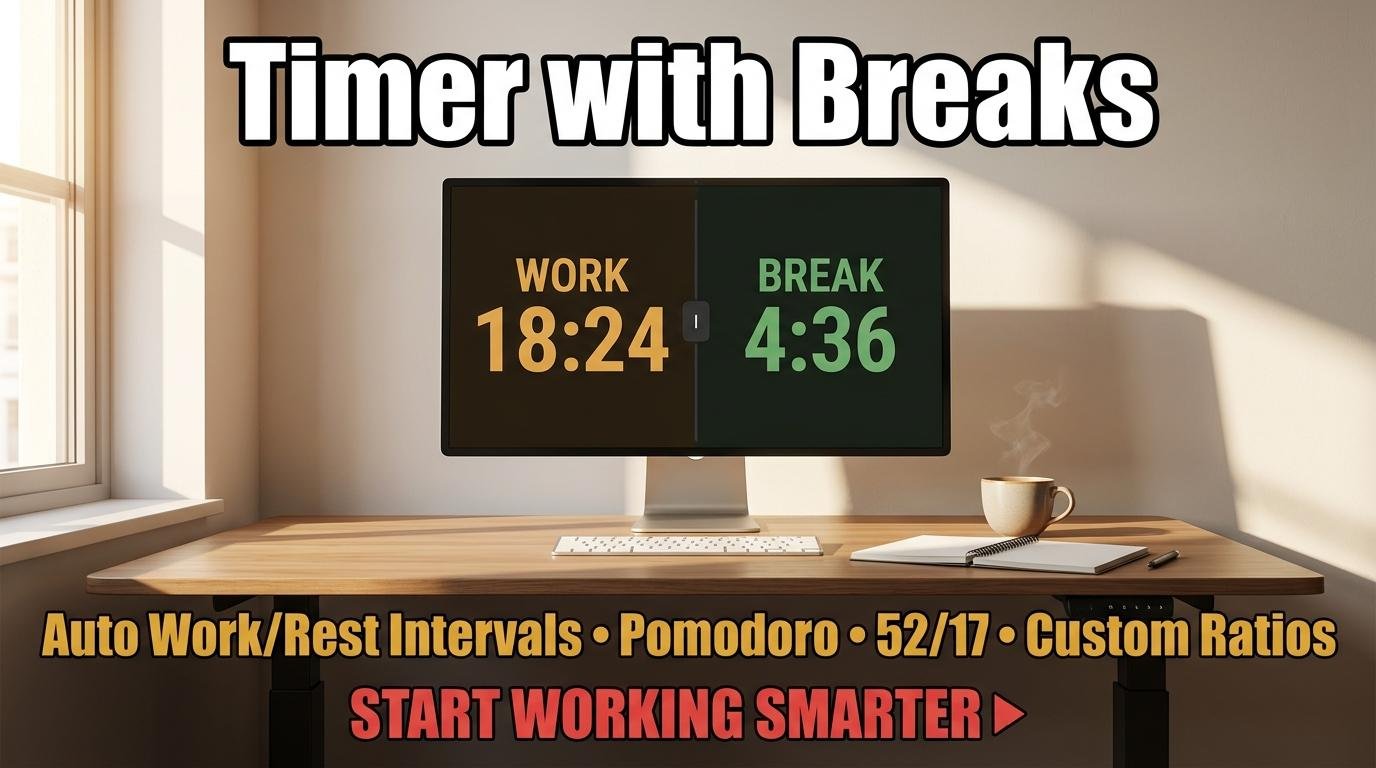
A timer with breaks is the simplest productivity tool that most people are not using. The concept is straightforward: set a work duration and a break duration, and the timer alternates between them automatically. You focus during work periods and genuinely rest during break periods. No decision-making about when to stop, no guessing about whether you have worked long enough, no guilt about taking a break. The timer handles the structure so you can focus on the task.
Why Breaks Make You More Productive, Not Less
Working without breaks feels productive but produces diminishing returns. Cognitive research consistently shows that sustained attention decays after 45 to 60 minutes of continuous mental effort. After that threshold, you spend more time re-reading, making errors, and staring blankly at your screen. A strategically timed break resets your cognitive capacity, allowing the next work period to start at full effectiveness rather than picking up where your depleted brain left off.
The key word is “strategically timed.” Random breaks taken when you feel like it are less effective than breaks triggered by a timer. When a timer manages the work-rest cycle, breaks happen at consistent intervals regardless of how you feel in the moment. This matters because the subjective feeling of being focused does not always correlate with actual cognitive performance. You might feel productive during hour three of continuous work while your actual output quality has declined significantly.
Three Popular Timer-with-Breaks Formats
The Pomodoro Technique uses 25-minute work intervals with 5-minute breaks and a longer 15-minute break every four cycles. This is the most popular format worldwide and works well for task-switching work like processing emails, reviewing documents, and studying for exams. ScreenTimer’s Pomodoro timer automates the entire cycle including session counting and automatic long breaks.
The 52/17 method uses 52 minutes of work with 17-minute breaks. This longer format suits deep creative or analytical work like writing, coding, design, and research where 25 minutes is too short to enter a flow state. Set a 52-minute countdown with the repeat feature for this rhythm.
Custom interval timing lets you define any work-rest ratio and number of rounds. ScreenTimer’s Interval Timer in the Timer tab supports work periods from 5 to 300 seconds and rest periods from 5 to 300 seconds with up to 50 rounds. The timer switches automatically between work and rest phases with distinct sounds and color changes at each transition. Presets include Tabata (20/10), HIIT (30/30 and 45/15), and Endurance (60/60).
How to Choose Your Work-Rest Ratio
If you are new to structured timing, start with the Pomodoro 25/5 split. It is short enough to feel non-threatening and provides frequent resets. After two weeks, evaluate: if 25 minutes consistently feels too short and you frequently want to keep working when the timer rings, try extending to 35/7 or 45/10. If 25 minutes feels too long and you find yourself distracted before the timer ends, shorten to 15/3 and build up gradually.
The right ratio depends on the type of work. Routine tasks with low cognitive load (data entry, filing, organizing) tolerate longer work periods. High-concentration tasks (writing, problem-solving, learning new material) benefit from shorter periods with more frequent breaks. Physical tasks like exercise use very different ratios: the Tabata protocol uses just 20 seconds of work with 10 seconds of rest because maximum physical effort cannot be sustained longer.
What to Do During Breaks
The quality of your breaks matters as much as the timing. Effective breaks involve physical movement (standing, stretching, walking), visual distance (looking at objects far away rather than at another screen), and mental disengagement (not thinking about the task you just paused). Scrolling social media during a break provides none of these benefits and may actually increase mental fatigue.
The simplest effective break: stand up, walk to a window, look at the most distant point you can see, and take five deep breaths. This takes 30 seconds and addresses the three main sources of work-related fatigue: physical stiffness, eye strain, and mental saturation.
Getting Started
Open ScreenTimer’s Pomodoro timer for the structured 25/5/15 cycle, or use the Interval Timer in the Timer tab for custom work-rest ratios. Enable “Show time in browser tab” in Preferences so you can see the countdown without switching tabs. Start your first work period and commit to one rule: when the break timer starts, you stop working. When the work timer starts, you start working. Let the timer make every timing decision for you.
A timer with breaks does not add hours to your day. It makes the hours you already have more effective by aligning your work patterns with how your brain actually functions. Try it for one week and measure the difference in your output and energy levels.

Leave a Reply