An interval timer online automates the most tedious part of any timed activity: remembering when to switch between work and rest periods. Whether you are doing Tabata sprints, HIIT circuits, study sessions with breaks, or any activity that alternates between effort and recovery, an interval timer handles the timing so you can focus entirely on the activity itself.
How the Interval Timer Works
ScreenTimer’s free interval timer is built into the Timer tab. Set three values: Work duration (how long each effort period lasts), Rest duration (how long each recovery period lasts), and Rounds (how many work/rest cycles to complete). Press Start and the timer alternates automatically between work and rest phases, playing distinct sounds at each transition so you know exactly when to switch without watching the screen.
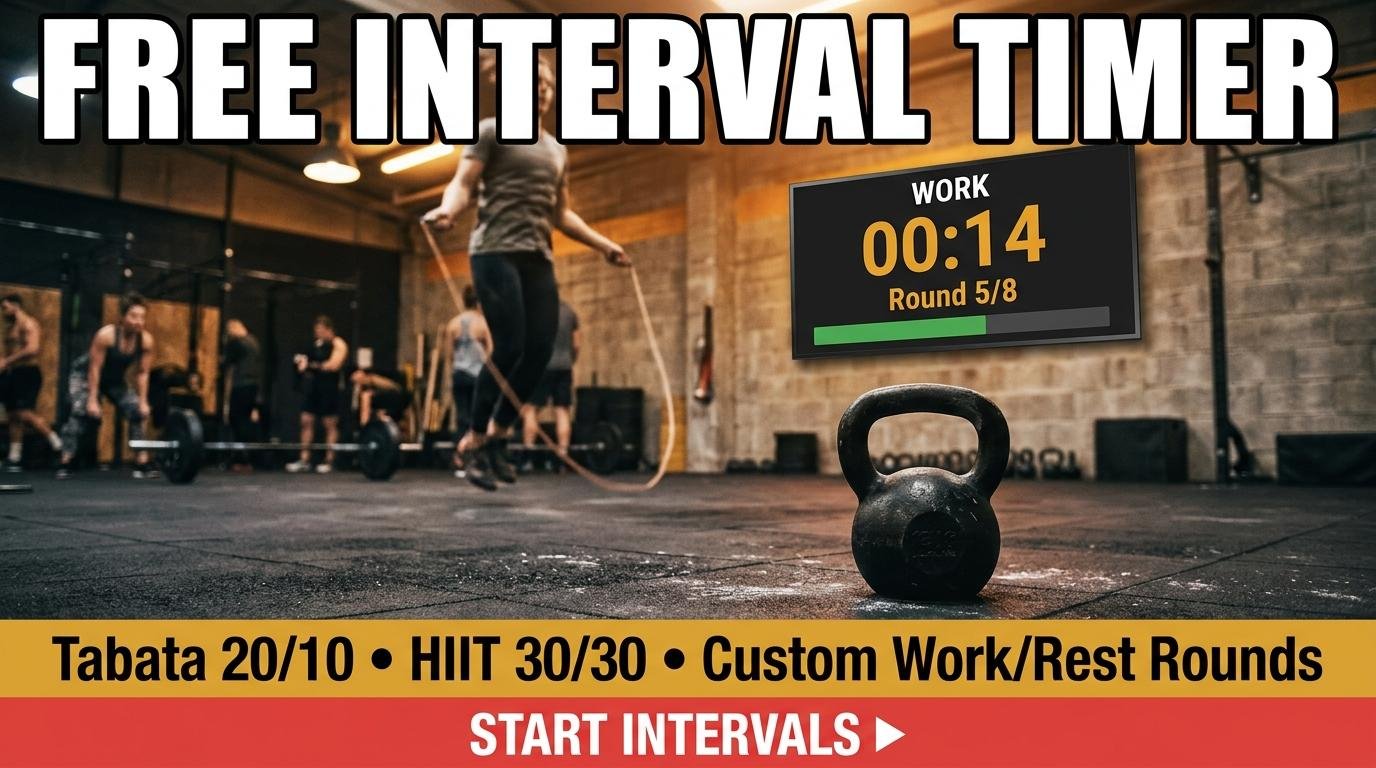
During work phases, the display shows the remaining seconds with the label “WORK” in amber. During rest phases, it switches to green with the label “REST.” A progress bar fills within each phase, and a round counter shows your current position (for example, “Round 3 / 8”). When all rounds are complete, a celebration sound plays and the display shows your total rounds finished.
Built-In Interval Presets
The timer includes four one-click presets for the most popular interval protocols. The Tabata preset configures 20 seconds of work and 10 seconds of rest for 8 rounds, matching the original research protocol exactly. The HIIT 1:1 preset uses 30 seconds of work and 30 seconds of rest for 10 rounds, targeting the fat-burning zone. The HIIT 3:1 preset uses 45 seconds of work and 15 seconds of rest for 8 rounds, emphasizing muscular endurance. The Endurance preset uses 60 seconds of work and 60 seconds of rest for 6 rounds, building aerobic capacity.
For custom intervals, simply type any values into the Work, Rest, and Rounds fields. The timer supports work periods from 5 to 300 seconds and rest periods from 5 to 300 seconds, covering everything from explosive 5-second sprint intervals to 5-minute sustained effort blocks.
Interval Timer for Study Sessions
Interval timers are not just for fitness. Students and knowledge workers use the same work/rest structure to maintain focus during study sessions. Set 25 minutes of work and 5 minutes of rest for a Pomodoro-style study cycle, or experiment with 50 minutes of work and 10 minutes of rest for longer deep-work sessions. The automatic transitions mean you never have to decide when to take a break because the timer decides for you.
For the full Pomodoro experience with session tracking and long breaks, use ScreenTimer’s dedicated Pomodoro timer. The interval timer in the Timer tab is better suited for simple work/rest alternation without the Pomodoro session structure.
Why Browser-Based Interval Timers Beat Phone Apps
During a workout, your phone is often across the room, in your pocket, or face-down on a bench. A browser-based interval timer running on a tablet propped up nearby or on a laptop screen provides a large, visible display that you can read from several meters away while exercising. The work/rest phase labels and color changes (amber for work, green for rest) are readable at a glance even through sweat-blurred vision.
For gym or home workout setups, open the interval timer on any device with a browser, select your preset, and position the screen where you can see it. The alarm sounds are loud enough to hear over music, and the visual phase changes are clear enough to follow even without audio.
The interval timer works alongside all other ScreenTimer tools. Switch to the stopwatch to track total workout duration, use the alarm to remind yourself when it is time to work out, or check the clock to see if you have time for one more round before your next commitment.

Leave a Reply