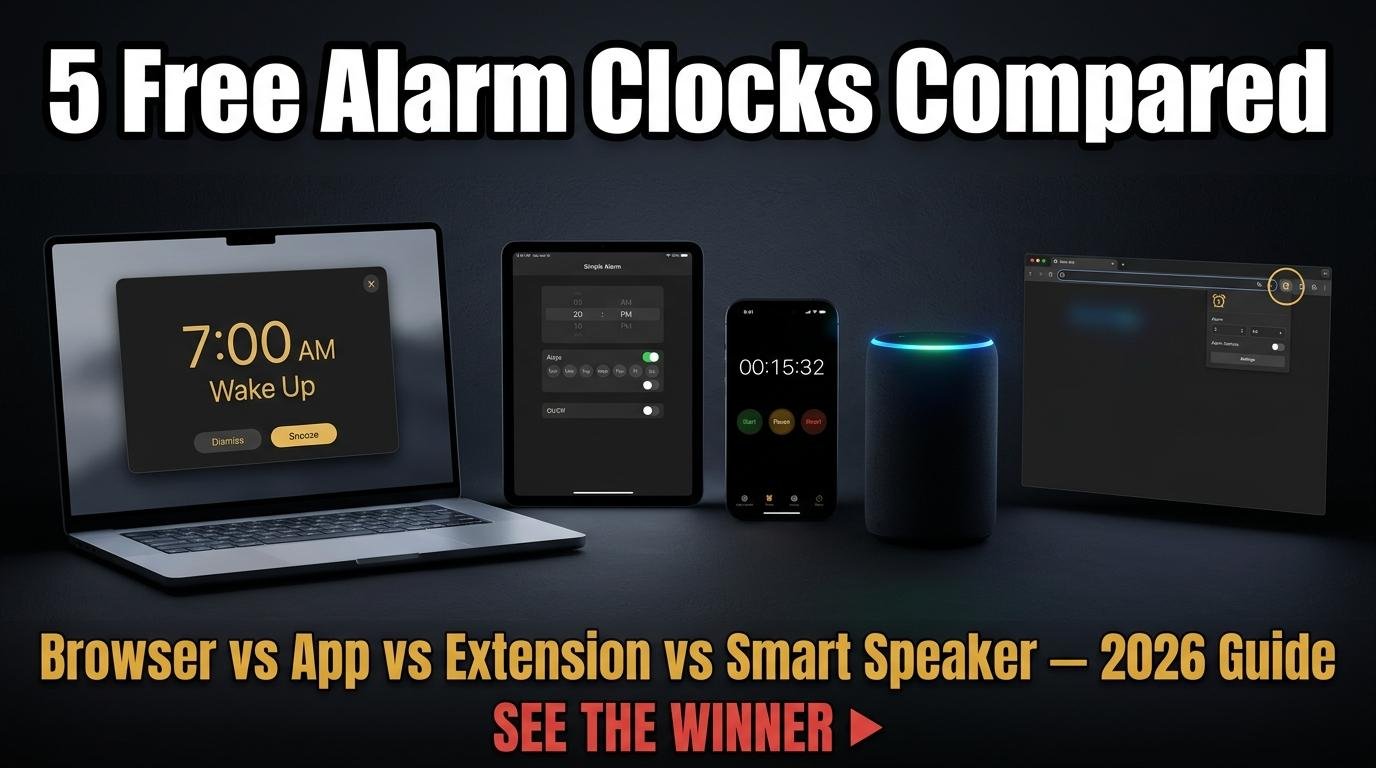
Free online alarm clocks have come a long way from the simple beeping countdown pages of the early web. Modern browser-based alarm clocks offer multiple simultaneous alarms, custom sounds, snooze functionality, and persistent storage that remembers your alarms across browser sessions. For anyone who needs reminders during their workday, medication timing, or a backup wake-up call displayed on a laptop, a free online alarm clock running in a browser tab is a lightweight solution that requires no app installation.
We tested five popular free online alarm clocks to compare their features, sound quality, reliability, and user experience. Here is how they stack up.
What to Look for in a Free Online Alarm Clock
Before comparing specific tools, it is important to understand the core requirements. A good free online alarm clock should support multiple simultaneous alarms with individual labels. It should offer a selection of alarm sounds because a single harsh beep is not appropriate for every situation. It should save your alarms in the browser so you do not have to reset them every time you visit. It should work on both desktop and mobile browsers. And it should be genuinely free, not a limited trial that pushes a paid version.
One fundamental limitation applies to all browser-based alarm clocks: they only work while the browser tab remains open. No website can fire alarms after its tab is closed. This is a browser security restriction, not a flaw in any specific tool. For critical alarms like morning wake-up calls, your phone’s built-in alarm is more reliable. For workday reminders, meeting alerts, and activity timers where your browser is already open, an online alarm clock is perfectly suited.
The Comparison
1. ScreenTimer Alarm Clock
ScreenTimer’s alarm clock stands out with fifteen synthesized alarm sounds generated entirely in the browser using the Web Audio API, meaning zero file downloads and instant playback. You can set unlimited simultaneous alarms, each with a custom label, daily repeat toggle, and individual on/off switch. The fullscreen alarm overlay includes both Snooze (5 minutes) and Dismiss options. All alarms persist in localStorage across browser sessions.
Unique features include a sound preview button that lets you audition each tone before setting an alarm, integration with seven other time tools (clock, stopwatch, timer, Pomodoro, multi-timer, world clock, and event countdown) in the same interface, and eight color themes. The alarm clock works within the same tabbed interface as all other ScreenTimer tools, so you do not need multiple browser tabs for different timing needs.
2. Online Alarm Clock Sites (General Category)
Several dedicated alarm clock websites offer basic functionality with a simple time picker and a single alarm sound. These tools work for one-off alarms but typically lack multiple alarm support, sound selection, labels, and persistent storage. Many also display intrusive advertisements that cover significant portions of the screen, particularly on mobile devices.
The advantage of these simpler tools is that they load quickly and have minimal interface complexity. If you need exactly one alarm with no customization, they serve the purpose. For recurring or multiple alarms, they fall short compared to more full-featured options.
3. Timer and Alarm Combination Sites
Several websites combine countdown timers with alarm clock functionality. These typically offer a cleaner experience than pure alarm sites because the timer infrastructure provides a better technical foundation for precise timing. Sound selection varies from three to eight options, and most support at least two or three simultaneous alarms.
The common limitation is that alarm sounds are pre-recorded audio files that must download before they can play, which occasionally causes a brief delay between the scheduled alarm time and the actual sound. Browser-synthesized sounds like those used by ScreenTimer play instantly because they are generated on the fly rather than downloaded.
4. Browser Extension Alarm Clocks
Chrome and Firefox extensions that add alarm clock functionality to the browser toolbar offer convenience because they are always accessible. However, they require installation, consume browser resources continuously, and may request permissions that raise privacy concerns. Extension-based alarms can fire even when the originating website tab is closed, which is an advantage over web-based alarm clocks, but this capability requires broader browser access that not all users are comfortable granting.
5. Smart Speaker and Voice Assistant Alarms
While not browser-based, voice assistant alarms from smart speakers deserve mention as the most reliable free alarm option. They do not depend on a browser tab staying open, they respond to voice commands while your hands are busy, and they fire reliably even if your computer is off. The trade-off is that they require purchasing a smart speaker and they introduce always-listening hardware into your space.
Which Free Online Alarm Clock Should You Use
For most people who need workday reminders, ScreenTimer’s alarm clock offers the best combination of features, sound variety, and integration with other timing tools. The fifteen synthesized sounds cover every context from gentle meditation chimes to urgent alerts, and the ability to run alarms alongside a Pomodoro timer, world clock, or countdown timer in the same tab reduces browser clutter.
For critical wake-up alarms, use your phone’s built-in alarm or a smart speaker. No browser-based solution can match the reliability of a device that stays on and active regardless of browser state.
For a deeper guide on setting up and using browser-based alarms effectively, read our complete online alarm clock guide which covers sound selection, limitation workarounds, and creative uses for browser alarms in classrooms, offices, and medical reminder contexts.

Leave a Reply