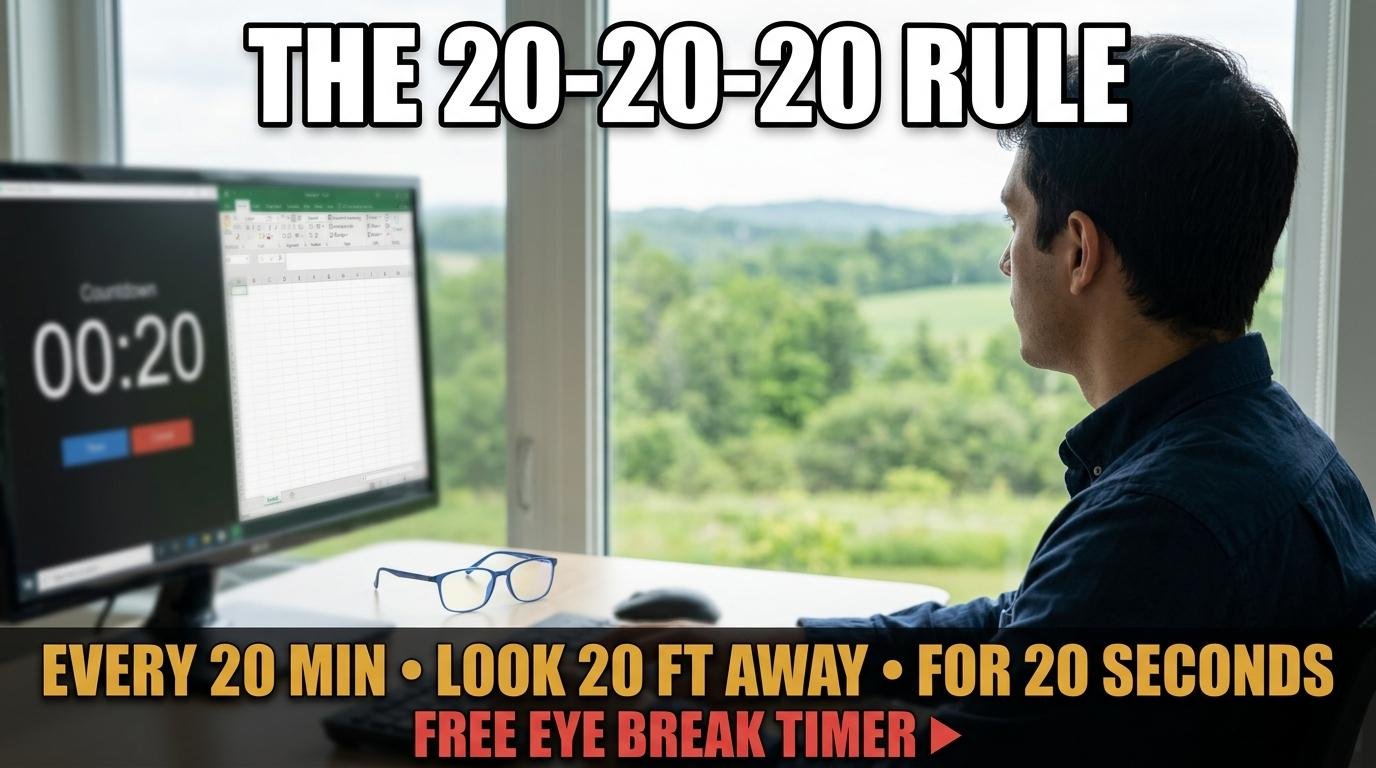
The 20-20-20 rule is the simplest evidence-based strategy for preventing digital eye strain: every 20 minutes of screen work, look at something 20 feet (about 6 meters) away for 20 seconds. Ophthalmologists and optometrists worldwide recommend it because it addresses the three primary causes of screen-related eye discomfort: sustained near-focus muscle contraction, reduced blink rate, and continuous blue light exposure. All you need to follow it consistently is a repeating 20-minute timer.
Why the 20-20-20 Rule Works
When you focus on a screen, your ciliary muscles contract to keep the image sharp. Unlike natural vision where your eyes constantly shift between near and far objects, screen work locks these muscles in one position. After 20 minutes of sustained contraction, muscle fatigue begins producing the symptoms people describe as eye strain: aching behind the eyes, blurry vision when looking away from the screen, and tension headaches across the forehead.
Looking at something 20 feet away forces the ciliary muscles to relax fully. Twenty seconds is long enough for the muscles to release their contracted state and reset. When you return to the screen, you are starting from a relaxed baseline rather than building fatigue on top of existing fatigue.
The blink rate benefit is equally important. Studies show that blink rate drops from 15 to 20 blinks per minute during conversation to just 5 to 7 blinks per minute during concentrated screen work. Each missed blink means less tear film replenishment across the cornea, leading to dry, gritty, irritated eyes. The 20-second look-away naturally normalizes your blink rate because distant focus does not trigger the blink-suppressing concentration response.
How to Set Up a 20-20-20 Timer
Open ScreenTimer’s countdown timer and set it to 20 minutes. Enable the Repeat toggle so the timer automatically restarts after each cycle. Choose a gentle alarm sound like Gentle Chime or Meditation Bowl in Preferences since you will hear this alert many times throughout the day and a harsh sound becomes annoying quickly.
When the alarm fires every 20 minutes, follow this 20-second routine: look at the most distant point you can see, whether that is a tree outside a window, the far wall of your office, or a building across the street. While looking away, consciously blink 10 to 15 times to restore your tear film. Take two or three deep breaths. Then return to your screen and let the timer restart automatically.
The entire interruption takes less than 30 seconds and most people report significantly reduced end-of-day eye fatigue within the first week of consistent use.
Making It a Habit
The hardest part of the 20-20-20 rule is not the exercise itself but remembering to do it. When you are absorbed in work, 20 minutes passes without notice. This is precisely why a timer is essential rather than optional. Without an external reminder, most people abandon the practice within a day or two despite good intentions.
Enable “Show time in browser tab” in ScreenTimer’s Preferences so you can see the countdown in your tab bar while working. This provides a passive awareness of approaching breaks without requiring you to check the timer. Enable browser notifications so you receive a system alert even when ScreenTimer is not the active tab.
Pair the 20-20-20 rule with another micro-habit for stronger retention. Every time the timer fires, stand up in addition to looking away. Standing triggers a postural reset that addresses the neck and shoulder tension that accompanies sustained screen work. The combined eye break plus standing break takes 30 to 45 seconds and addresses the two most common physical complaints of desk workers.
Who Needs This Most
Anyone spending more than two hours per day at a screen benefits from the 20-20-20 rule, but some groups benefit disproportionately. Remote workers who lack the natural eye breaks that office socializing provides should make this a mandatory part of their workday. Students during exam preparation periods, when screen time often doubles or triples, are particularly vulnerable to eye strain. Programmers and designers whose work demands pixel-level focus for extended periods experience some of the highest rates of screen time headaches.
Children’s eyes are especially susceptible to strain because their visual systems are still developing. Teachers implementing the 20-20-20 rule in classrooms with one-to-one device programs can set a shared 20-minute timer on the classroom display and prompt the entire class to look out the window when it fires.
The 20-20-20 rule costs nothing, takes almost no time, and has zero side effects. The only requirement is a repeating 20-minute timer to remind you. Set one up today and your eyes will thank you by this evening.

Leave a Reply