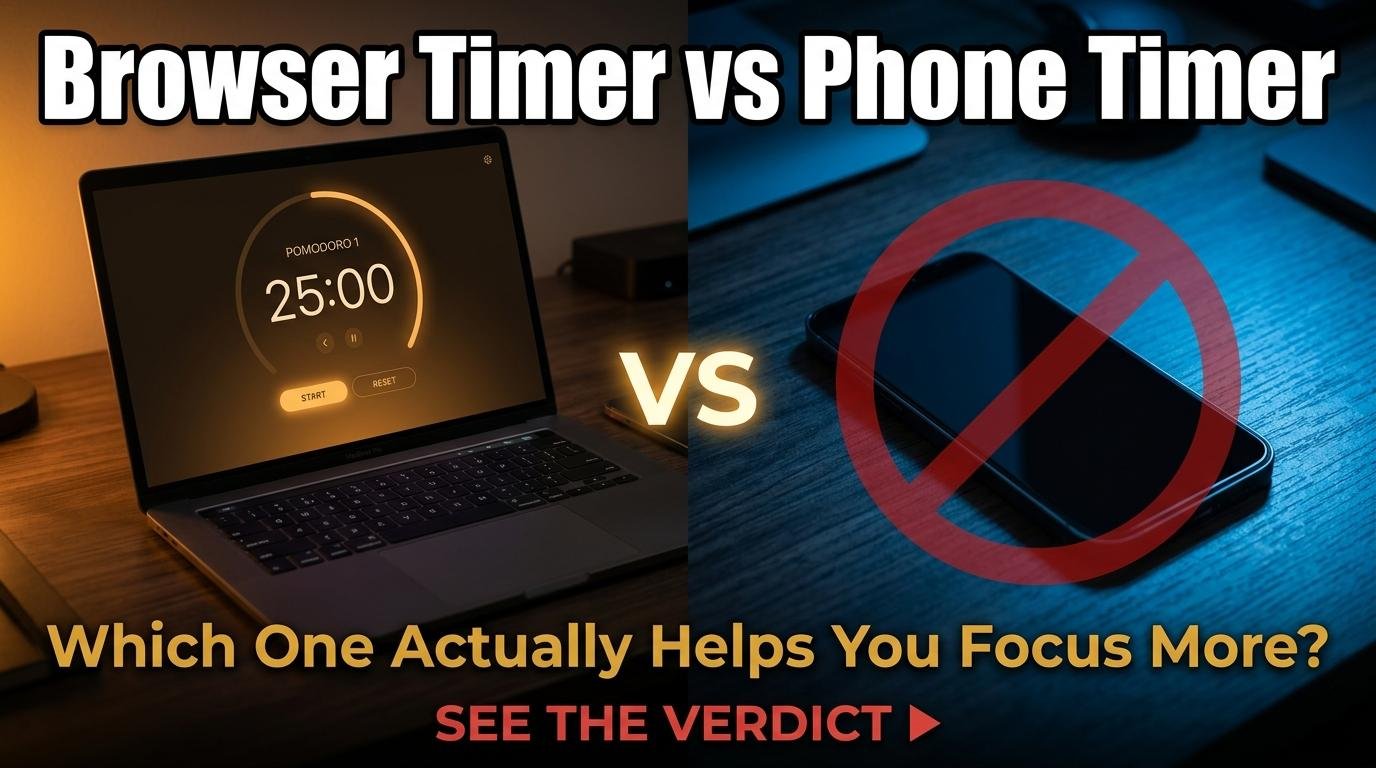
Every smartphone has a built-in timer app, so why would anyone use a browser-based timer instead? The answer depends entirely on what you are timing and where you are when you need it. Both options have genuine advantages, and understanding the trade-offs helps you choose the right tool for each situation rather than defaulting to whichever one you used last.
When a Browser Timer Is Better
A browser-based timer wins in any situation where your primary work is happening on a computer screen. During desk work, study sessions, or computer-based tasks, reaching for your phone to check a timer introduces exactly the distraction that timers are supposed to prevent. A University of Texas study found that the mere presence of a smartphone within reach reduces cognitive capacity, even when the phone is face-down and silent. A browser timer keeps the timing function on the same screen as your work, eliminating the need to touch your phone.
Browser timers also win for shared displays. Projecting a timer from your phone to a classroom screen or video call requires screen mirroring software and usually shows your entire phone interface including notifications. A browser timer on a laptop projects cleanly in fullscreen mode with no personal notifications visible. ScreenTimer’s fullscreen countdown was designed specifically for this use case.
Multi-timer capability is another browser advantage. Running three parallel timers on your phone means switching between three separate timer instances. ScreenTimer’s Multi Timer shows all countdowns on one screen simultaneously, each with its own name and alarm. For cooking, meeting agendas, or classroom rotations, parallel timers on a single visible screen are dramatically more usable than phone-based alternatives.
Customization depth favors browser timers. ScreenTimer offers fifteen alarm sounds, eight color themes, Pomodoro with configurable intervals, interval training with Tabata presets, browser tab title countdown, and event countdowns with shareable links. Phone timer apps typically offer basic countdown functionality with limited sound options and no theme customization.
When a Phone Timer Is Better
Phone timers win for reliability on one critical dimension: they work when the screen is off. A phone alarm will fire regardless of whether the screen is active, the app is in the foreground, or other apps are running. Browser-based timers require the tab to stay open. For mission-critical alarms like wake-up calls or medication reminders where failure is not acceptable, a phone timer is the safer choice.
Phone timers also win for portability during physical activities. When you are running, cooking with messy hands, or working out, a phone timer that you can start with a voice command (“Hey Siri, set a timer for 10 minutes”) is more practical than opening a browser and navigating a web interface. The phone is always with you; a browser requires a device with a screen open to a specific tab.
Battery and resource usage slightly favors phone timers. A phone’s native timer runs as a system-level process that consumes negligible battery. A browser tab consumes some memory and CPU, though modern browsers are efficient enough that a single timer tab is not a meaningful concern for any device made in the last several years.
The Best of Both: How to Combine Them
The most productive approach is using both strategically. Use a browser-based Pomodoro timer or countdown timer during desk-based work to keep timing visible on your work screen without touching your phone. Use your phone’s timer for kitchen tasks, workouts, and any situation where you are away from a screen. Use your phone’s alarm app for critical time-bound alerts like wake-ups and appointments that must fire regardless of browser state.
For the ultimate setup, pin ScreenTimer in your browser for workday productivity and set your phone’s Do Not Disturb schedule to match your Pomodoro sessions. The browser timer handles your focus rhythm while the phone stays silent and out of reach. This combination gives you the distraction-free timing of a browser tool with the reliability of a phone alarm for the moments that truly cannot be missed.

Leave a Reply