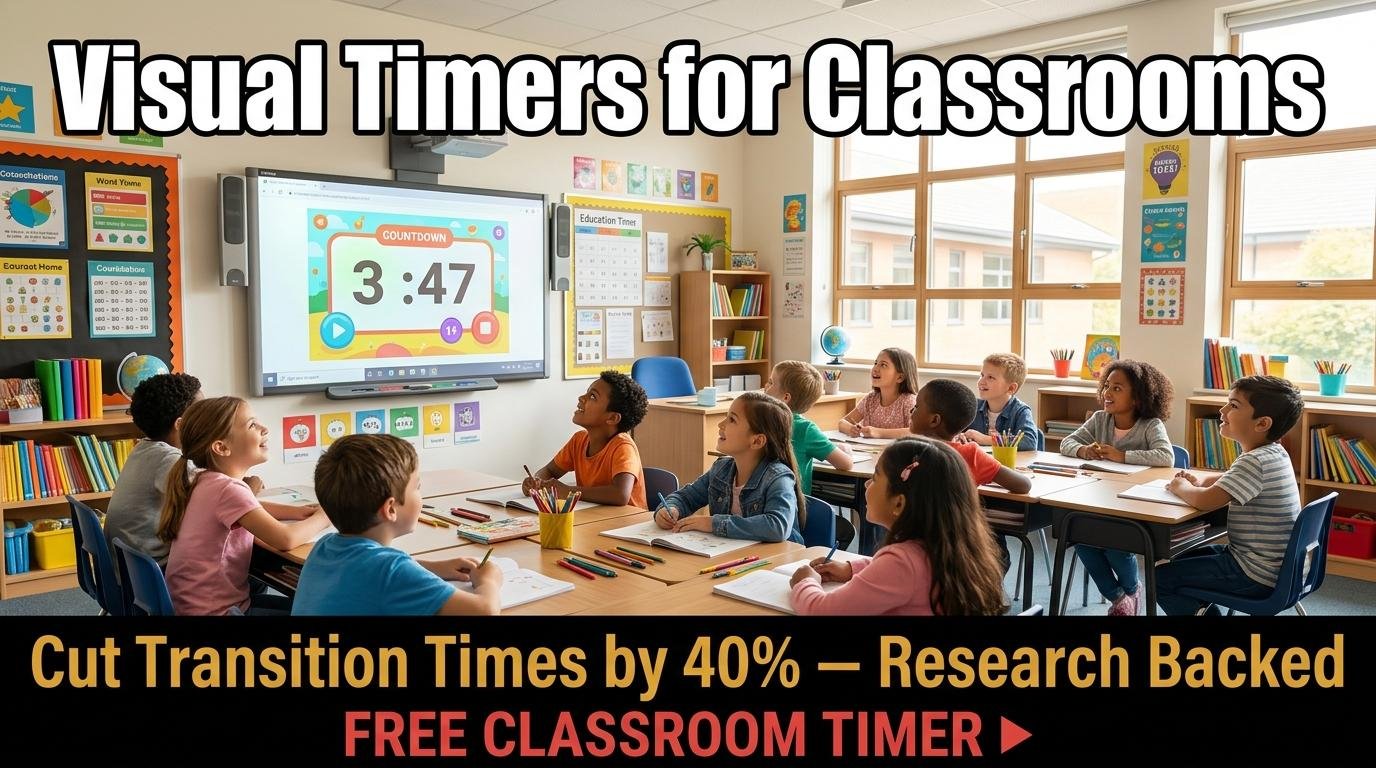
Ask any teacher what consumes the most non-instructional time in their day, and the answer is almost always transitions. The shift from one activity to another, from math to reading, from independent work to group discussion, from lesson to cleanup, these transitions can eat 15 to 20 percent of total class time when they are not managed well. Visible countdown timers are one of the simplest and most effective tools for reducing that waste.
Research from the Journal of Applied Behavior Analysis demonstrated that visual timers reduced classroom transition times by up to 40 percent. The mechanism is straightforward: when students can see time passing, they develop a concrete sense of how much time remains and naturally adjust their pace. Time becomes visible rather than abstract, and visible things get managed.
Why Visual Timers Work for Students
For young children, time is an abstract concept that develops gradually. A kindergartner asked to “work quietly for ten more minutes” has no meaningful way to gauge that duration. A visible countdown on a screen, however, gives them a concrete reference point. They can see the numbers decreasing and understand intuitively that the activity will end soon. This reduces anxiety for students who struggle with uncertainty and provides motivation for those who need to see the finish line.
For students with ADHD, executive function challenges, or autism spectrum conditions, visual timers serve an even more critical role. Time blindness, the difficulty perceiving and estimating the passage of time, is one of the most common and least understood symptoms of ADHD. A student with time blindness is not being defiant or lazy when they fail to finish on time. They genuinely cannot feel how much time has passed. A visible timer externalizes this missing internal clock and gives them the same time awareness that neurotypical students take for granted.
Practical Timer Strategies for Teachers
The transition timer is the most immediately impactful application. When moving from one activity to the next, display a 3-minute countdown on your classroom screen. Students learn that this is their window to put away materials, prepare for the next activity, and be ready when the timer reaches zero. Within a week of consistent use, most teachers report that transitions that previously took 5 to 7 minutes now take 2 to 3 minutes.
Silent work sessions benefit from a 15 to 20-minute countdown that eliminates the constant question of “how much longer?” When the timer is visible, students pace their work more effectively and interrupt less frequently. Set a 15-minute timer in fullscreen mode using ScreenTimer’s countdown timer, which displays large digits readable from the back of any classroom.
For group discussions, a visible timer creates equity. Give each group or each speaker a set amount of time, and let the countdown enforce the boundary. This prevents dominant personalities from monopolizing discussion time and teaches students the valuable skill of communicating concisely within constraints.
Exam practice sessions with timed conditions help students develop critical time-awareness skills. Use ScreenTimer’s fullscreen mode to simulate test conditions. Students who practice under timed conditions consistently perform better on actual timed exams because they have internalized a sense of pacing.
Choosing the Right Timer for Your Classroom
Effective classroom timers share several key characteristics. Large, readable digits are essential since students at the back of the room need to see the display without squinting. Customizable alarm sounds matter because a harsh buzzer can be jarring for students with sensory sensitivities, while a gentle chime provides a non-disruptive signal. ScreenTimer offers fifteen different alarm tones including soft options like Gentle Chime and Meditation Bowl that work well in classroom settings.
Color themes also play a role. A timer with a dark background projects well on interactive whiteboards and reduces glare in bright classrooms. ScreenTimer’s eight color themes include options ranging from dark displays like Midnight and Ocean to the high-contrast Snow theme for well-lit rooms.
Building Student Self-Regulation
The ultimate goal of classroom timers is not teacher-imposed time management but student self-regulation. Over time, students who regularly use visual timers develop a better internal sense of time. They begin to estimate how long tasks take, plan their work accordingly, and monitor their own pace without external prompts.
To accelerate this development, consider letting students set their own timers for independent work using a visible classroom clock. When a student decides they need 12 minutes for a task and then discovers it actually took 18, that self-generated data is far more powerful than any teacher telling them they underestimated. The goal is for the timer to become a tool students choose to use rather than one imposed upon them.
Visual timers are not a classroom management cure-all, but they consistently rank among the highest-impact, lowest-cost interventions available to teachers. A free browser-based timer on your existing classroom screen requires zero budget, zero training, and delivers measurable results within the first week of use.

Leave a Reply