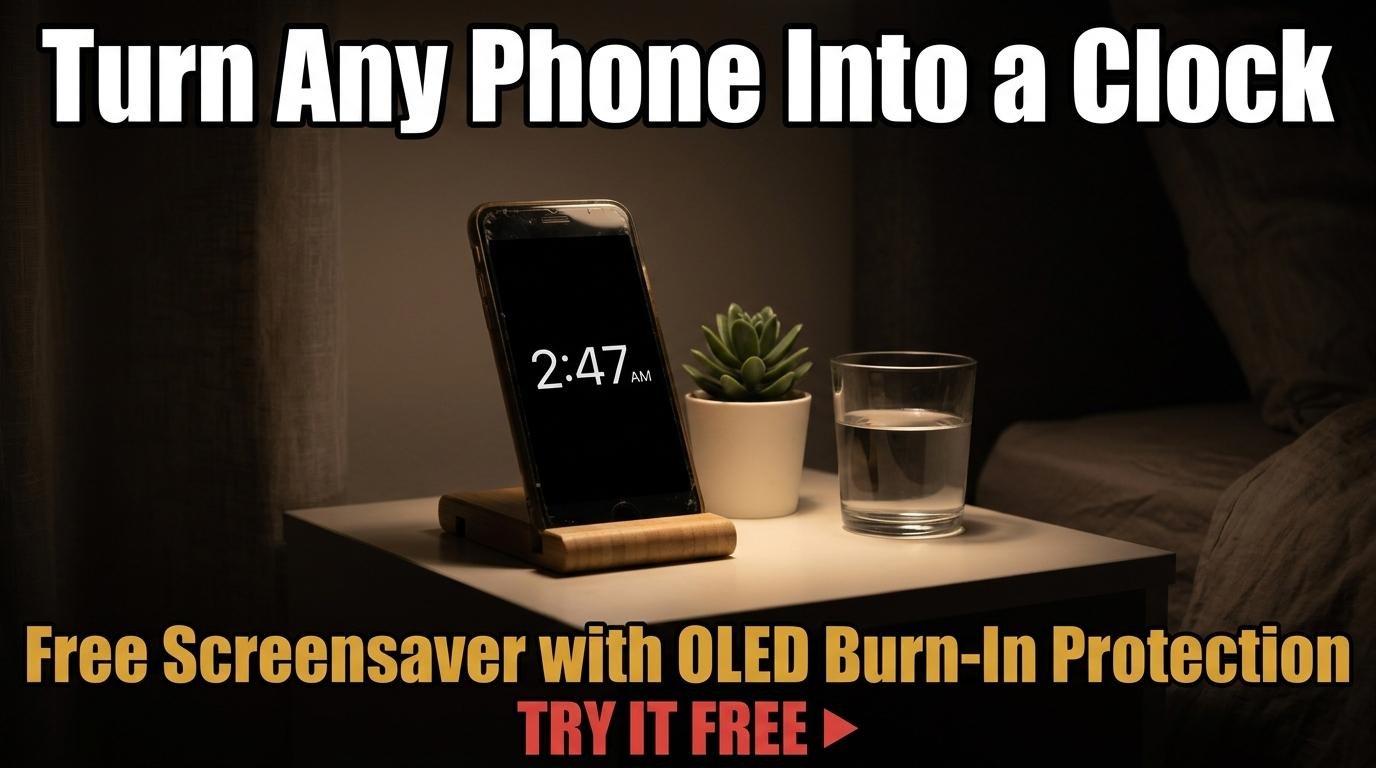
Old smartphones, spare tablets, and retired laptops are sitting in drawers across millions of homes. Instead of collecting dust, any of these devices can become a beautiful, dedicated clock for your nightstand, desk, or kitchen counter. All you need is a browser and a free online clock with screensaver mode.
Why a Dedicated Clock Display Still Matters
Using your phone as a bedside clock has an obvious problem: the temptation to check notifications, scroll social media, or browse the web. Research consistently links nighttime screen interactions with poor sleep quality. A dedicated clock display on a separate device eliminates this temptation. It shows the time and nothing else.
Smart displays and dedicated clock devices exist, but they cost money for hardware that does exactly one thing. Repurposing a device you already own is free, more environmentally responsible, and often produces a better display since phones and tablets typically have higher resolution screens than most budget alarm clocks.
Setting Up Your Screensaver Clock
Open ScreenTimer’s online clock on your device’s browser. Choose between the digital display for a clean, modern look or the analog clock face if you prefer a classic aesthetic. Select a color theme that matches your room. The Midnight theme (gold on near-black) is popular for bedrooms because it provides enough visibility to read the time at night without flooding the room with light. The Snow theme works well for kitchens and desks where a brighter display is preferred.
Tap the screensaver button to enter fullscreen screensaver mode. The clock fills the entire screen on a pure black background, dimmed slightly to reduce brightness in dark rooms. Every 60 seconds, the clock drifts to a slightly different position on the screen. This anti-burn-in drift is essential for OLED and AMOLED screens, which can develop permanent ghost images if a static element stays in one position for extended periods.
The screensaver works in both digital and analog modes. If you have the analog clock tab selected when you activate the screensaver, you get a beautifully minimal analog clock face floating on black. If digital is selected, you get large digits. Both styles include the anti-burn-in drift.
Optimizing Your Device as a Dedicated Clock
To keep the screen always on, adjust your device’s sleep settings. On most phones and tablets, go to Settings, Display, and set Screen Timeout to “Never” or the maximum available duration. For Android devices, enabling Developer Options gives you a “Stay Awake” toggle that keeps the screen on while charging. On iPads, go to Settings, Display and Brightness, Auto-Lock, and select Never.
Plug the device into a charger to prevent the battery from draining. Position the charger cable to exit from the back of the device so it doubles as a stand. Alternatively, inexpensive phone and tablet stands are available for a few dollars and hold the device at an ideal viewing angle.
Reduce screen brightness to the minimum comfortable level for nighttime use. Most devices allow brightness adjustment even in fullscreen mode by swiping down from the top of the screen. For an even darker display, some Android phones support an “Extra Dim” accessibility setting that reduces brightness below the normal minimum.
Adding Alarm Functionality
Switch to ScreenTimer’s Alarm tab before activating the clock. Set your wake-up alarm with your preferred tone, enable daily repeat, and then switch back to the Clock tab and enter screensaver mode. The alarm will still fire at the scheduled time even while the screensaver is active, because alarms run in the background using JavaScript timers.
Important: browser-based alarms require the tab to remain open. Do not close the browser or switch to a different app after entering screensaver mode. The device should be left with ScreenTimer as the active tab at all times. If you need the device for other purposes during the day, simply exit the screensaver with a tap, use the device normally, and re-enter screensaver mode at bedtime.
Creative Placement Ideas
Beyond the nightstand, a dedicated clock display works beautifully in several locations. A kitchen counter clock helps with cooking timing and keeps the time visible while your hands are busy. A home office desk clock shows the time in your peripheral vision without requiring you to check your phone. A living room mantel display using a tablet in analog mode creates a surprisingly elegant decorative piece.
For shared spaces like family kitchens or offices, the World Clock display mode is an interesting alternative. Add relevant cities and the display becomes a conversation piece that also serves as a practical reference for family members in different time zones or international business contacts.
The best clock is the one you already have. Before buying a dedicated clock device, try this free approach with a device that is already in your drawer. You might be surprised how useful and attractive a repurposed screen can be.

Leave a Reply