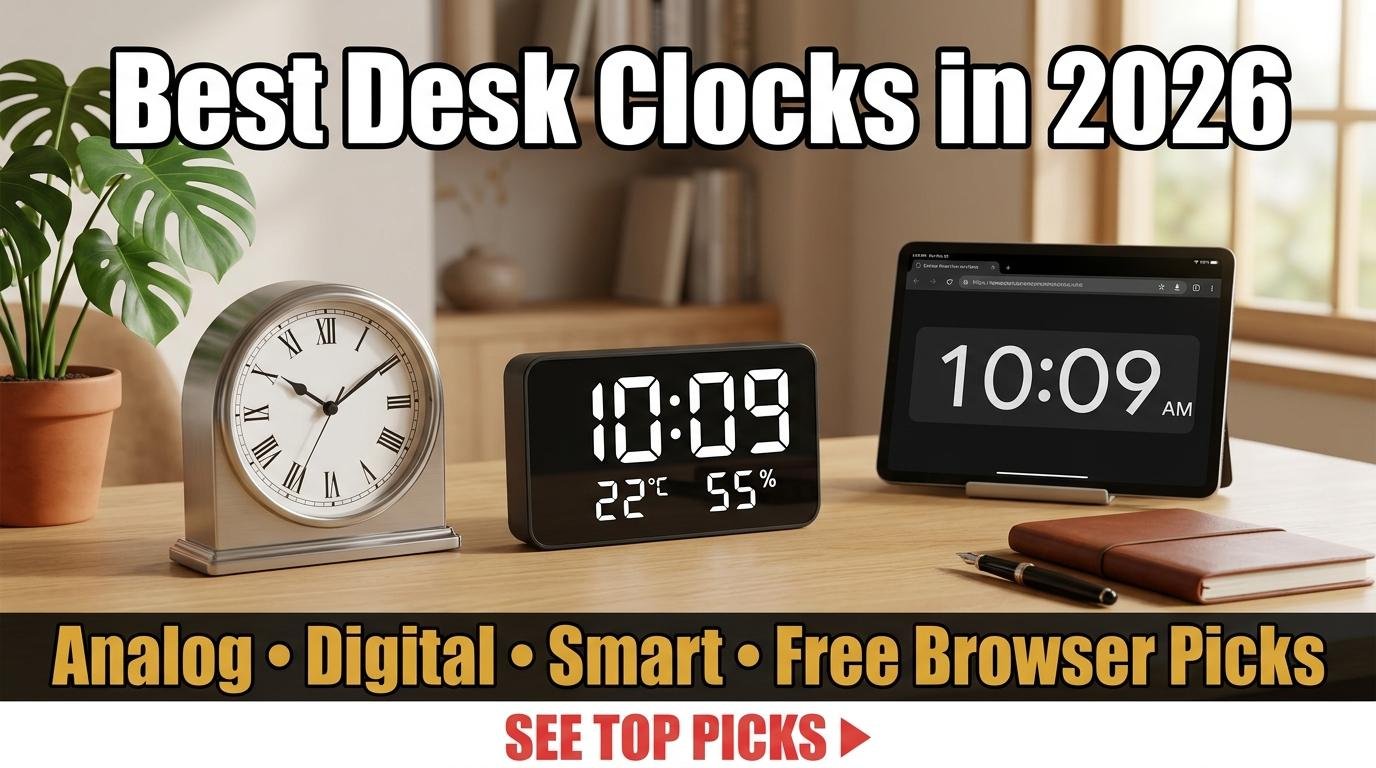
A good desk clock does more than tell time. It anchors your workspace, reinforces your sense of structure throughout the day, and ideally looks good doing it. With most professionals working from home at least part of the week, the home office desk clock has evolved from a utilitarian afterthought into a deliberate choice about how you want to experience time during your workday.
This guide covers what to look for in a desk clock across three categories: traditional analog, modern digital, and smart displays. We also explain when a free browser-based clock might be all you actually need.
What Makes a Great Desk Clock
The most important quality is readability at a glance. You should be able to check the time in your peripheral vision without shifting focus from your screen. This means sufficiently large digits or hands, adequate contrast between the display and its background, and a viewing angle that works from your normal seated position. A beautifully designed clock that requires you to lean forward and squint defeats its own purpose.
Silent operation is the second essential quality. Ticking clocks are a significant distraction for many people, particularly in quiet home offices. If you prefer an analog clock, look for models with sweep (continuous) second hands rather than stepping mechanisms, or simply choose one without a second hand. Digital clocks are inherently silent.
Power source matters for reliability. Battery-powered clocks need replacement every 6 to 12 months and will eventually display the wrong time if the battery runs low without obvious warning. Plugged-in clocks avoid this issue but add a cable to your desk. Smart clocks that sync time via WiFi or radio signals offer the most accurate time without maintenance but require network connectivity.
Traditional Analog Desk Clocks
Analog clocks remain popular in home offices because they add visual warmth that digital displays cannot match. The sweep of hands around a dial provides a spatial sense of time’s passage that numbers alone do not convey. When you glance at an analog clock, you intuitively see not just what time it is, but how much of the hour has elapsed and how much remains.
For a minimal, modern look, look for clocks with clean faces, simple indices instead of numerals, and metal or wood cases. Brands in the mid-range price point offer excellent build quality with silent quartz movements. For a premium option, mechanical desk clocks from established watchmakers serve as both functional timepieces and conversation pieces, though they require occasional winding or automatic movement via a display base.
Modern Digital Desk Clocks
Digital clocks excel at information density. The best models display not just the time but also the date, day of the week, indoor temperature, humidity, and sometimes weather forecasts. LED segment displays are readable in any lighting condition, while LCD displays offer more information in a compact form factor.
Projection clocks cast the time onto your ceiling or wall, which is useful for bedroom setups where you want to see the time without turning your head. For desk use, look for models with adjustable brightness that can be dimmed to a comfortable level for your workspace lighting conditions.
Smart Displays as Desk Clocks
Smart displays from major tech companies function as desk clocks with added capabilities: voice-controlled timers, calendar integration, video calling, and smart home control. They are the most versatile option but also the most distracting since they can display notifications, news, and other attention-grabbing content. If you choose a smart display as your desk clock, most models offer a dedicated clock face mode that minimizes distractions.
The Free Alternative: Browser-Based Clocks
Before purchasing a physical desk clock, consider whether a browser-based clock on a spare monitor, tablet, or old phone might serve the same purpose for free. ScreenTimer’s online clock provides both digital and analog displays with eight color themes, fullscreen mode, and a screensaver with OLED burn-in protection. If you already have a spare device, you get a customizable, silent, always-accurate clock at zero cost.
The browser-based approach also offers functionality that no physical clock can match: integrated countdown timers, alarms, world clock, and Pomodoro timer all available from the same display. A physical desk clock tells the time. A browser-based clock manages your relationship with time.
Choosing Based on Your Work Style
If your work involves long stretches of deep focus, an analog clock with a silent movement placed in your peripheral vision provides gentle time awareness without digital distraction. If you manage a team across time zones, a digital display or browser-based world clock showing multiple locations is more practical. If your desk is already cluttered, a browser-based clock on an existing screen adds functionality without adding another physical object.
The best desk clock is the one that helps you be more aware of time without making you more anxious about it. Whether that is a handcrafted analog piece, a feature-rich digital display, or a free online clock running in a browser tab, the right choice depends entirely on how you work and what helps you do it well.

Leave a Reply